Identity and access
Use multifactor authentication, sensible permissions and clear onboarding and offboarding practices to protect business accounts.

Protect accounts, devices, email and business data with practical safeguards your people can actually use.
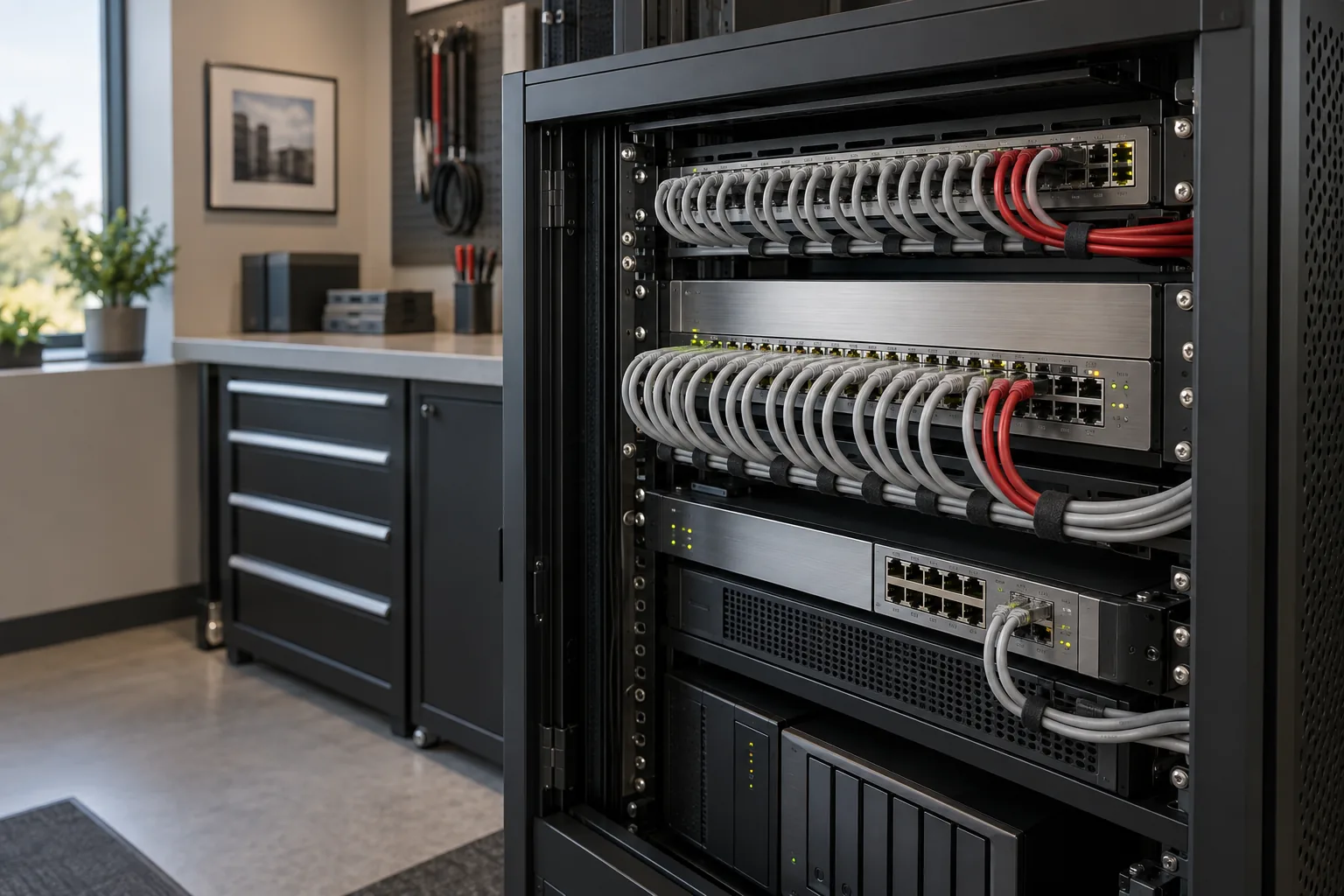
Cybersecurity works best when it is connected to the technology people use every day. Account permissions, software updates, email protection, device security and backups should reinforce one another.
We help businesses identify the most meaningful risks, choose practical controls and document what happens when something goes wrong. The goal is steady improvement based on your environment, responsibilities and business priorities.
Use multifactor authentication, sensible permissions and clear onboarding and offboarding practices to protect business accounts.
Reduce phishing and account-takeover risk through layered filtering, user awareness and protected sign-in.
Keep laptops and desktops updated, monitored and protected against common threats.
Understand what is backed up, where it is stored, who can access it and how the business would recover.
Record responsibilities, key systems, vendors and response steps so the plan is usable under pressure.
Revisit safeguards as staff, systems, threats and business requirements change.
No responsible provider can promise that. The goal is to reduce preventable risk, improve visibility and prepare the business to respond and recover.
Yes. Security is most effective when it is integrated with device management, account administration, support and recovery planning.
Talk through your systems, concerns and business obligations with a local IT team.