Automated backups
Scheduled backups of servers, computers and shared files, without relying on someone to remember.
Protect business files, email and systems with automated backups, copies stored away from the office and a tested plan for getting back to work after an outage, storm or ransomware attack.
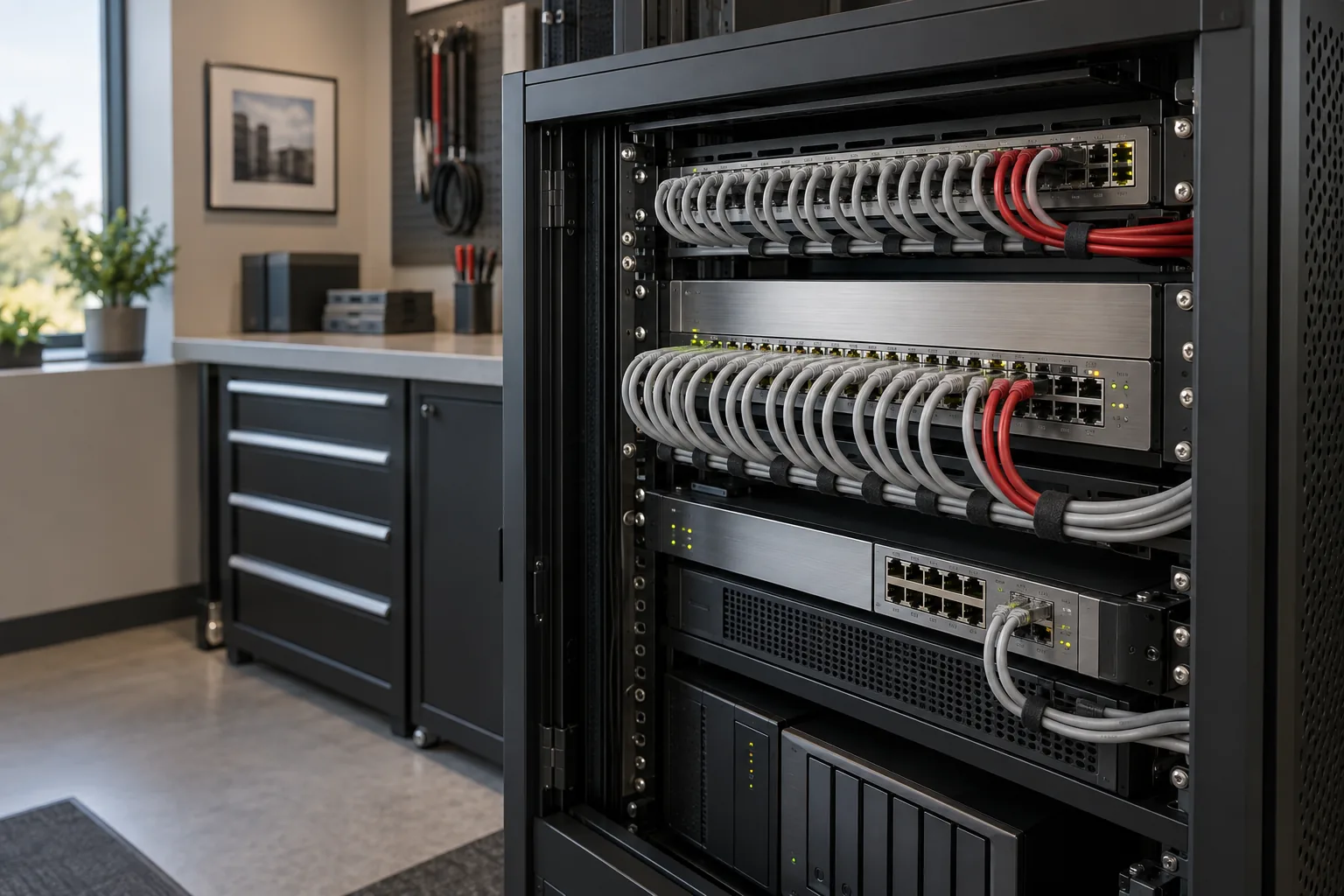
Many businesses find out their backups were incomplete, out of date or impossible to restore at the worst possible moment. Disaster recovery starts with knowing what you need to protect, how quickly you need it back and where the copies live.
We help South Florida businesses back up the systems they depend on, keep copies away from the office, test that restores work and write down the recovery steps, so an outage, a hurricane or a ransomware attack does not turn into lost work. See also our cybersecurity services.
Scheduled backups of servers, computers and shared files, without relying on someone to remember.
Copies stored away from the office, so a fire, flood or theft does not take the backup with it.
Back up email, OneDrive and SharePoint data. Cloud storage alone is not a complete backup plan.
Regular test restores to prove files and systems can actually be recovered, and how long it takes.
A written order of recovery, contact list and decisions made in advance, not in the middle of a crisis.
Remote access, phone forwarding and backup checks planned before hurricane season.

The original plus two backups.
For example, a local backup device and a cloud service.
Away from the office and protected from being changed or deleted by an attacker.
Sync tools such as OneDrive keep the same files in several places, so a deleted or encrypted file can be deleted or encrypted everywhere. A backup keeps separate copies from earlier points in time that you can restore.
Microsoft keeps its service running, but protecting your data from accidental deletion, malicious changes and departing employees is largely your responsibility. A separate backup gives you more control over what you can restore. See Microsoft 365 support.
Often enough that you trust the result. Many businesses test key files regularly and do a larger recovery exercise at least once or twice a year, and again after major changes.
Confirm recent backups completed and a copy is offsite, make sure key staff can work remotely, plan how calls will reach people if the office closes, and protect equipment from power and water. Our hurricane season IT checklist covers the details.
Start with a review of what is backed up, where it is stored and when a restore was last tested.
Request a free assessment