Microsoft 365 security checklist for South Florida small businesses
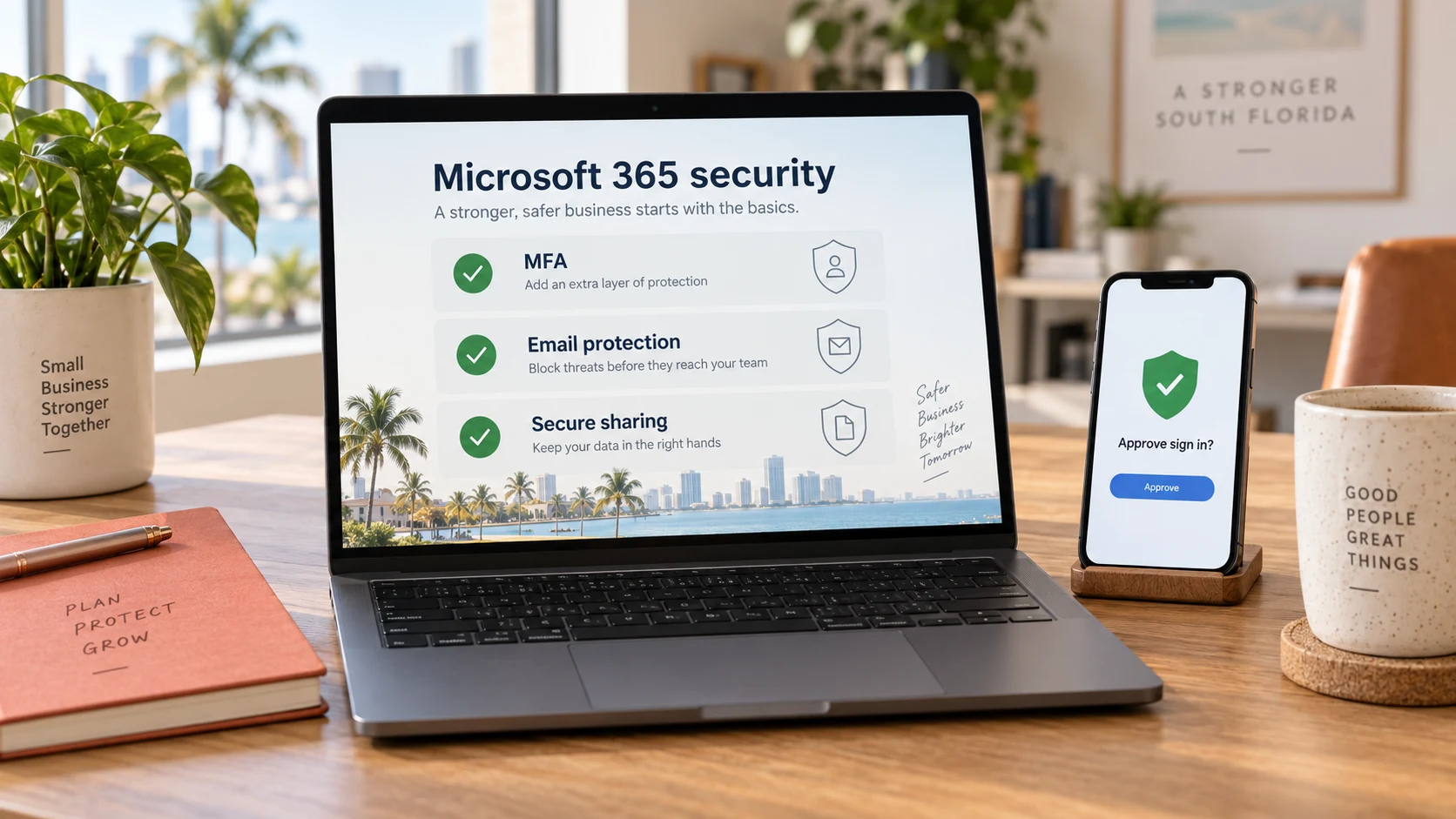
Microsoft 365 gives your team email, shared files and collaboration tools. It also needs someone to manage sign-ins, access and recovery. This checklist helps a business owner ask useful questions of the person responsible for the tenant; it is not a substitute for a configuration review.
Protect sign-ins with multifactor authentication
Confirm that staff and administrators use multifactor authentication, or MFA, rather than relying only on a password. Microsoft documents security defaults and other MFA options; the right configuration depends on your licenses and environment. Have your IT team verify the setting, enrollment and exceptions. Do not turn off protection simply because an older application has trouble signing in.
Separate administrator access from everyday work
Review who has administrator roles and whether each person still needs them. Use only the permissions needed for the task, and protect administrator sign-ins. Business owners should know who can change accounts and how emergency access is controlled. Avoid sharing one administrator identity among several employees.
Plan for new hires and departing staff
A departure checklist should cover account access, active sessions, company devices, file ownership and shared mailboxes. Decide who must retain business records before deleting anything. An employee leaving the company should not leave behind an active account that nobody watches. For new hires, grant access by role instead of copying every permission from an existing employee.
Review shared files and external access
Ask which SharePoint sites, Teams workspaces and OneDrive files can be reached by guests or sharing links. Confirm that external sharing fits the business need and that old guests are reviewed. A file being in the cloud does not mean everyone who can access it should still have access. Microsoft 365 support should include clear ownership for these reviews.
Give staff a way to report suspicious email
Teach employees to verify payment changes using a trusted number they already have, rather than replying to the message. Tell them where to report an unexpected sign-in prompt, attachment or request for credentials. Email filtering helps, but it does not remove the need for a reporting process. Our phishing guide explains common warning signs in plain language.
Define recovery before files are lost
Document which information must be recoverable, how far back you need to recover it and how quickly the business needs it. Retention, recycle-bin recovery and independent backups serve different purposes. Have your provider explain which recovery options your current configuration actually offers, and test the agreed process. See our guide to checking whether business backups work.
Assign an owner and a review schedule
For each check, write down who is responsible, when it was last reviewed and what still needs attention. Repeat the review after major changes, a new office or a security incident. A checklist is useful only when unresolved items become assigned work. Full Circle MSP helps South Florida businesses coordinate account, email and device security with everyday support.
Official guidance
Use Microsoft's MFA setup guidance to review available approaches. Backups should be part of a broader recovery plan; CISA's ransomware guide recommends protected backups and regular recovery testing. Licensing and configuration details can change, so confirm them in your tenant before making changes.
Discuss account access, email concerns and backup priorities with a local IT team.
Request a free assessment